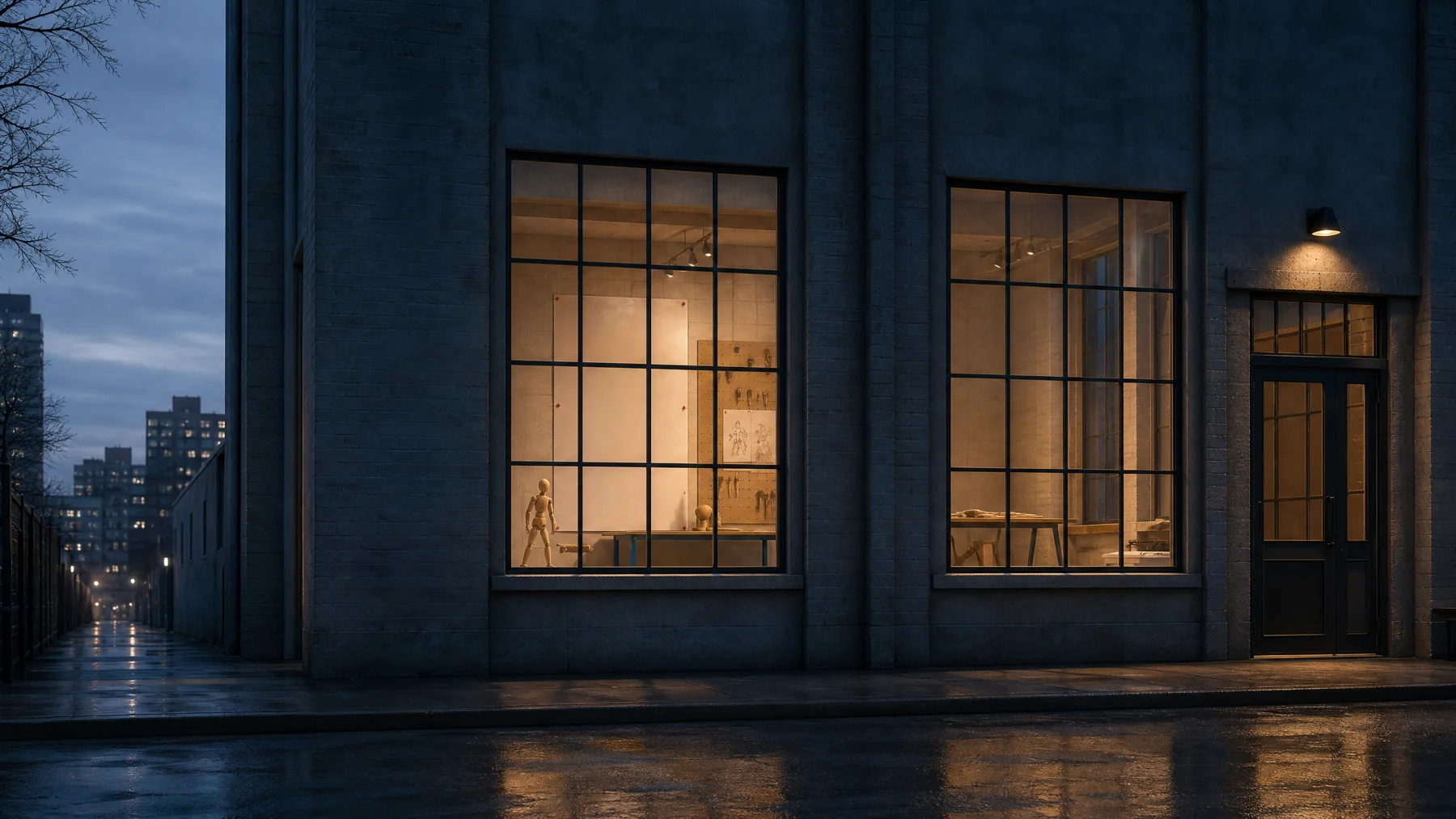
Find the hinge.
Let one intended rotation do one clear job before adding a helper.
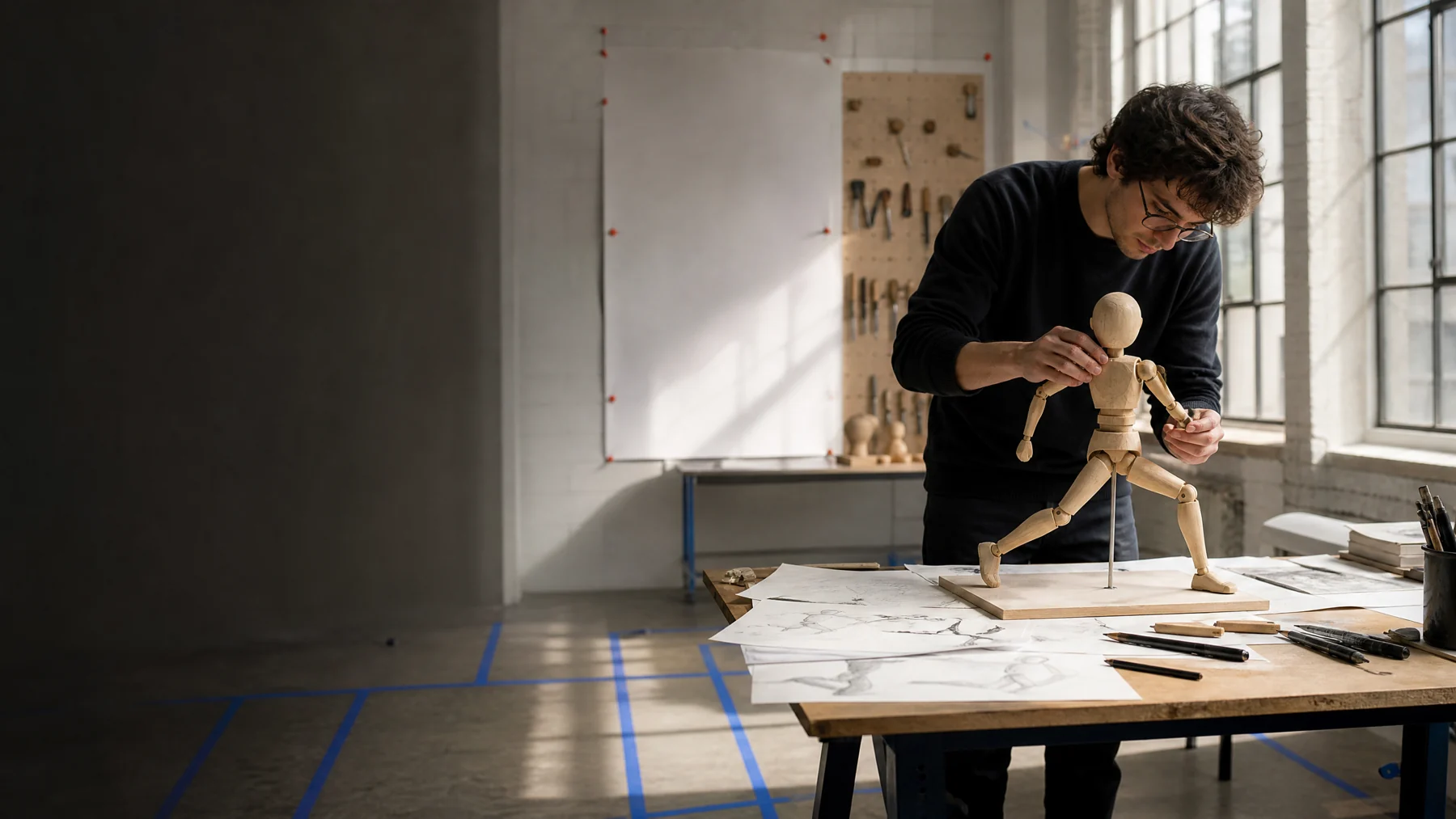
POSE CORRIDOR / 01
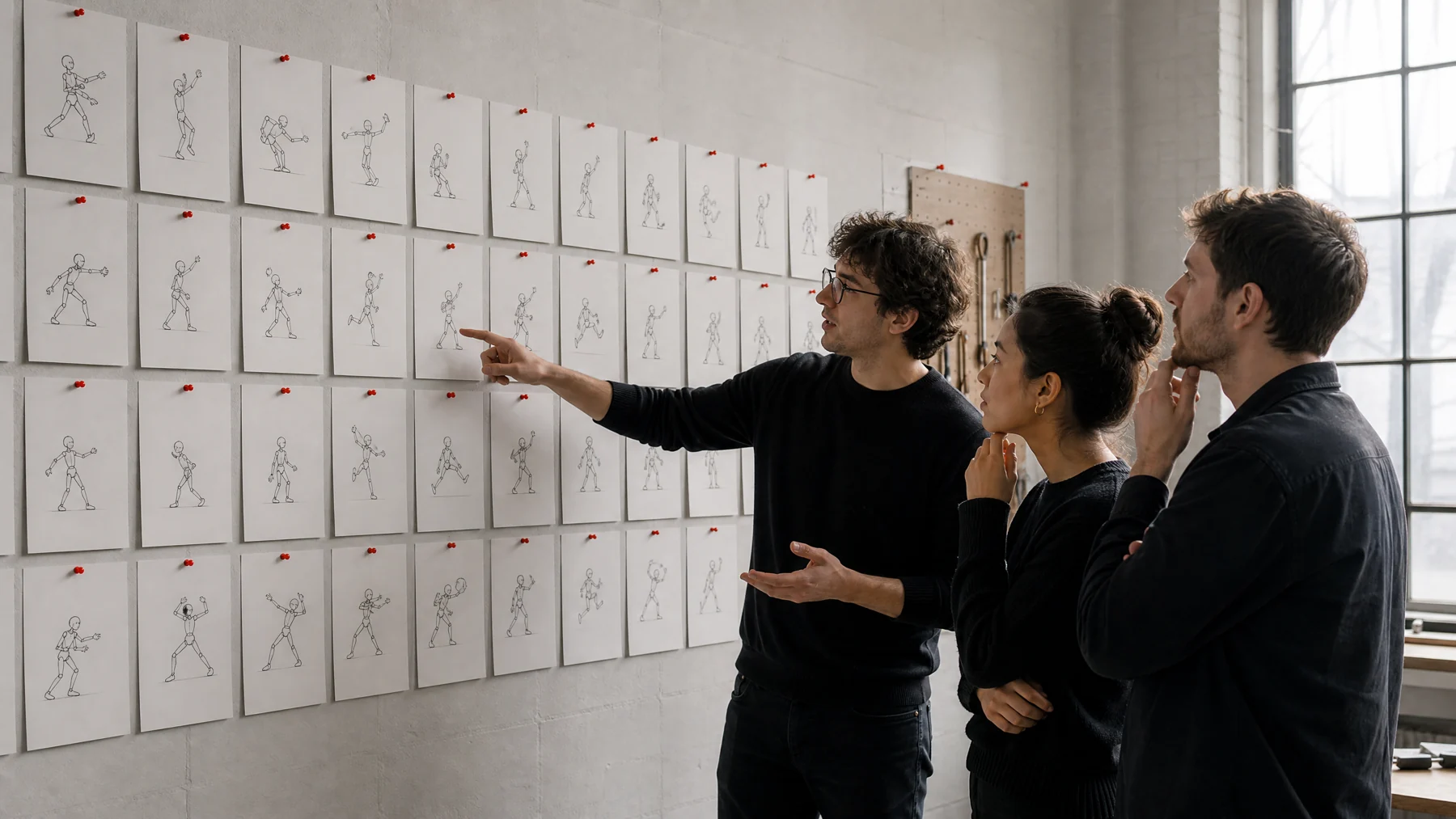
Each study begins with a physical question: where does the character land, pause, recover or pull against the floor?
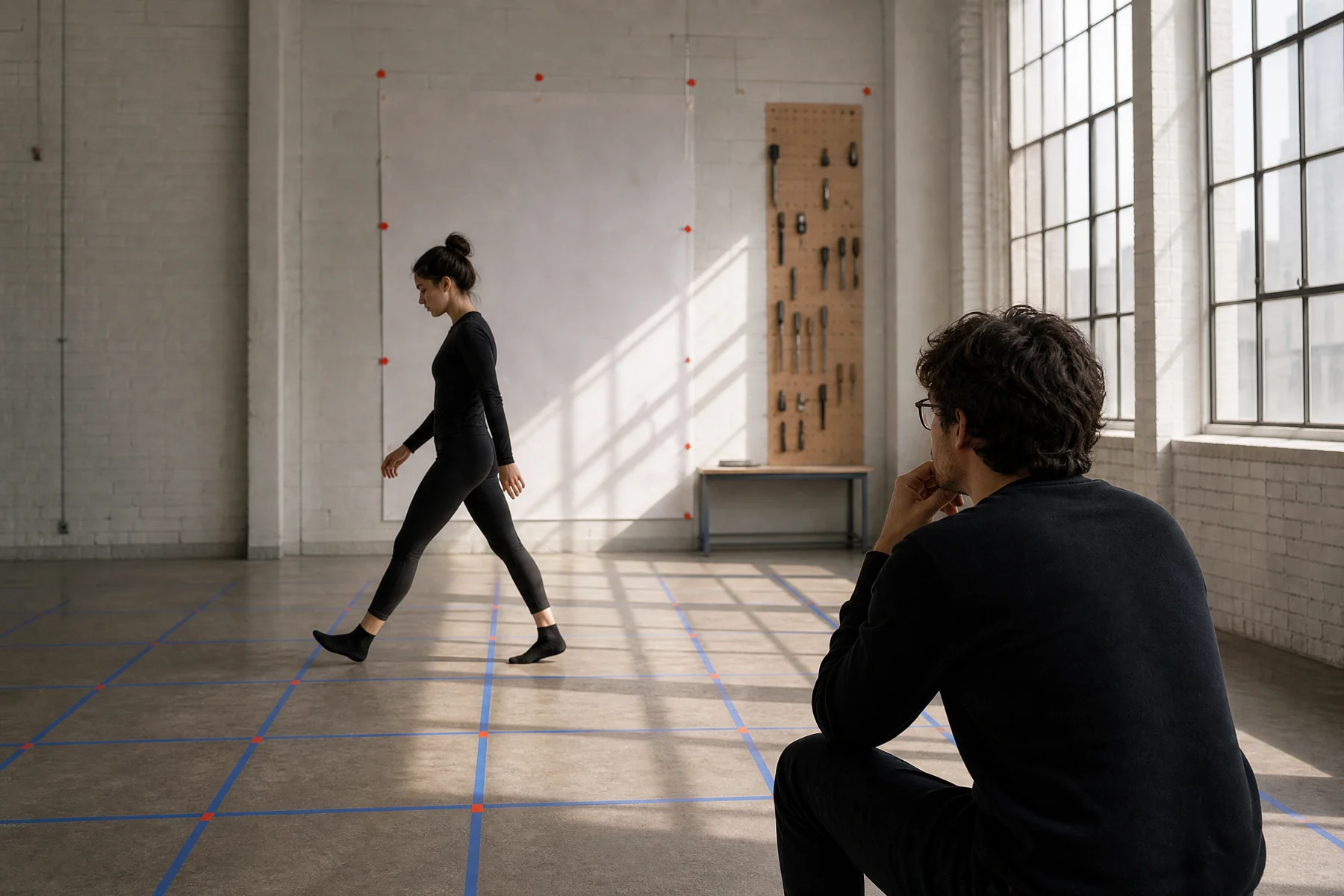
JOINT CALIBRATION SHEETS
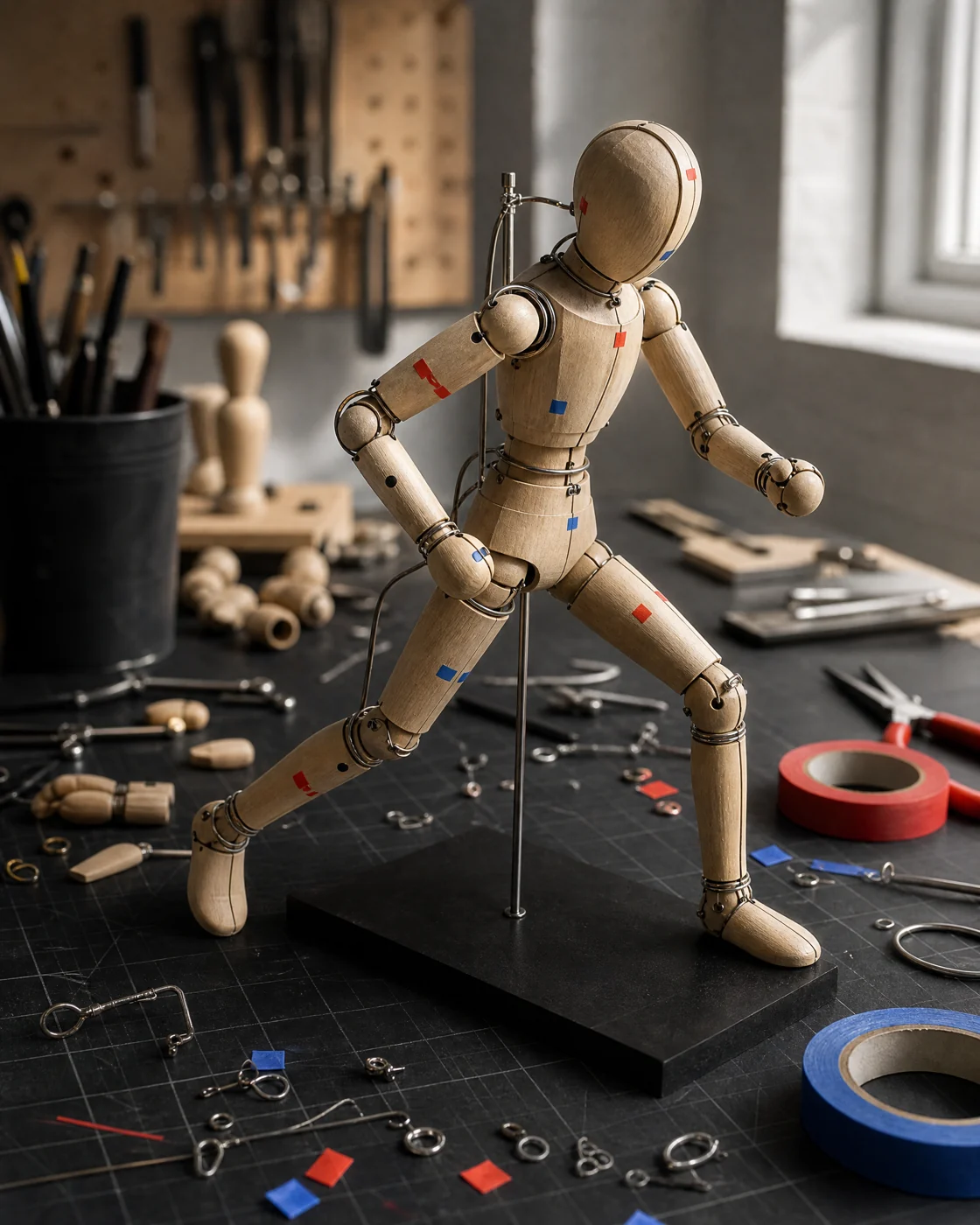
Let one intended rotation do one clear job before adding a helper.
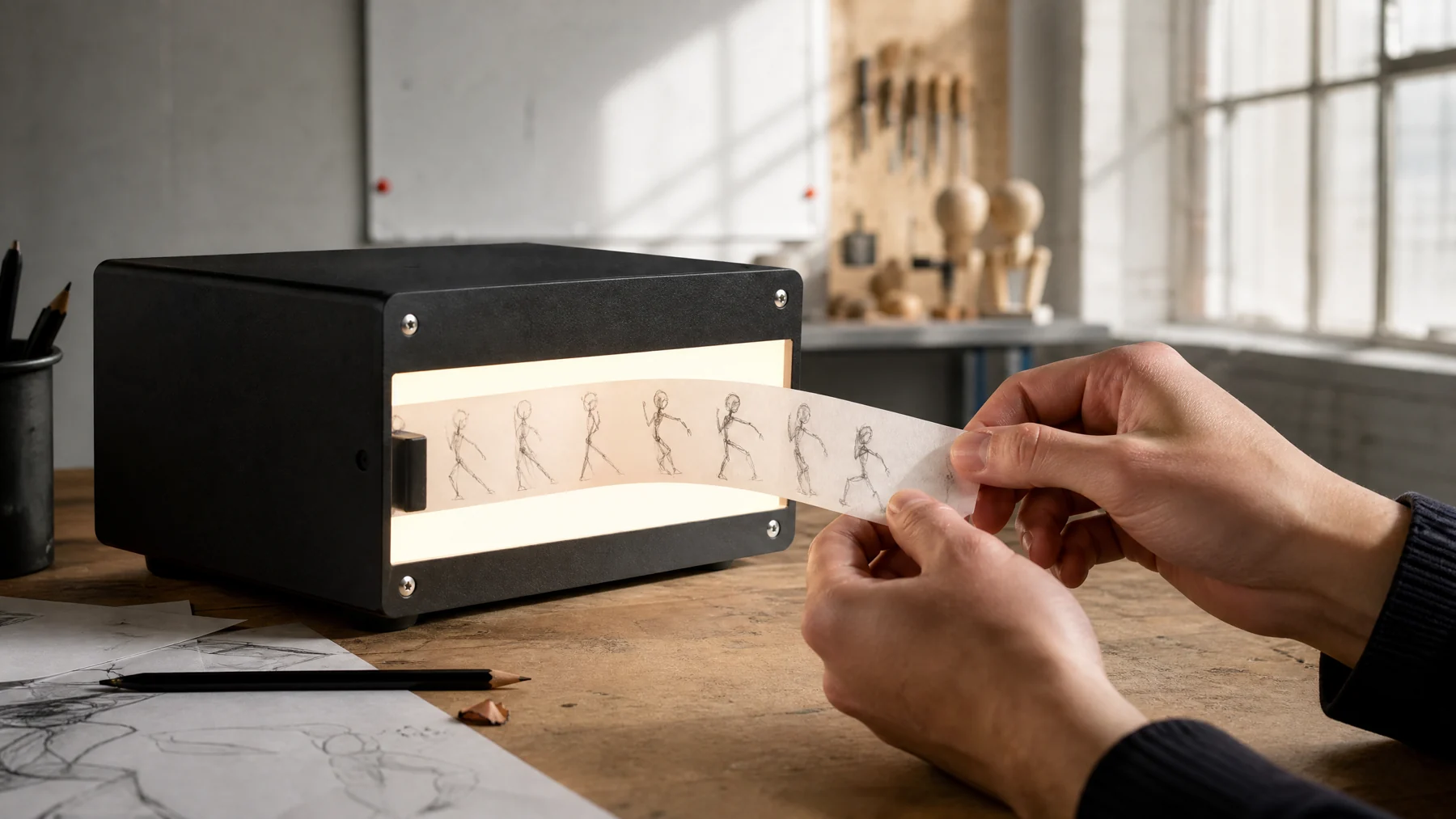
Spacing is not decoration: it gives the viewer time to feel weight.
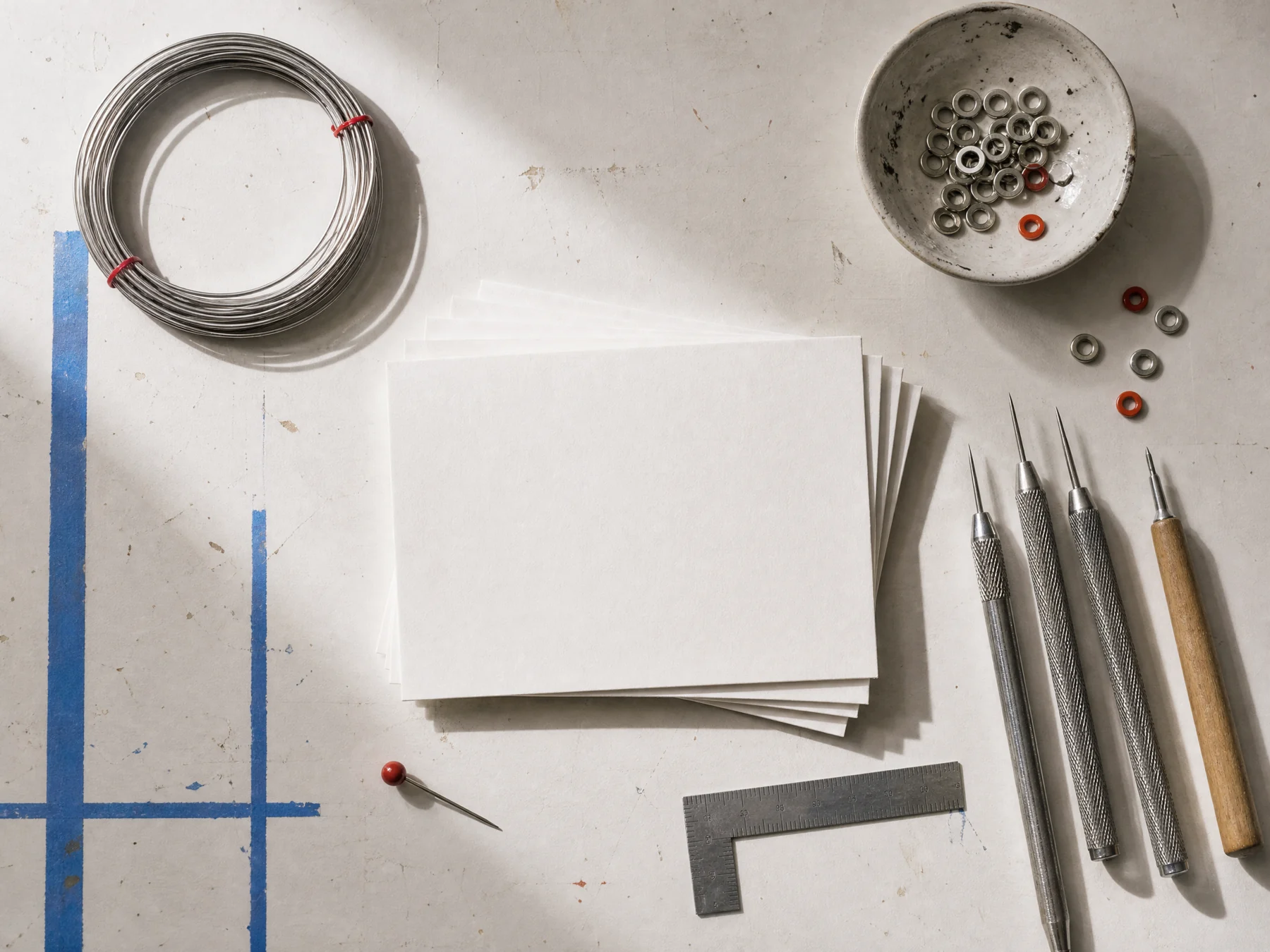
A useful rig lets the next animator recognise what has been decided.
MOTION STRIP / MOVE THE PLAYHEAD
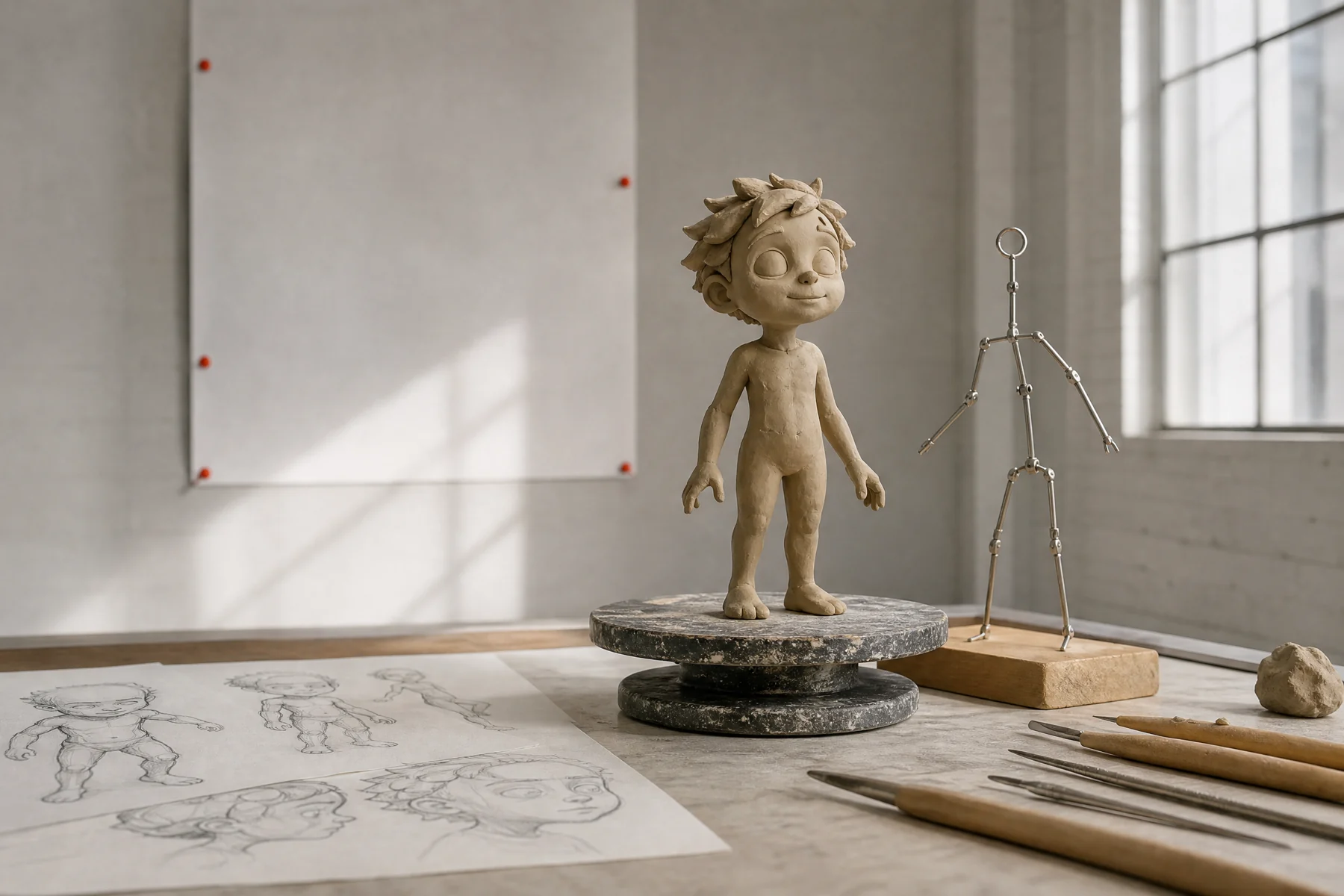
Give the pose one visible reason to begin.
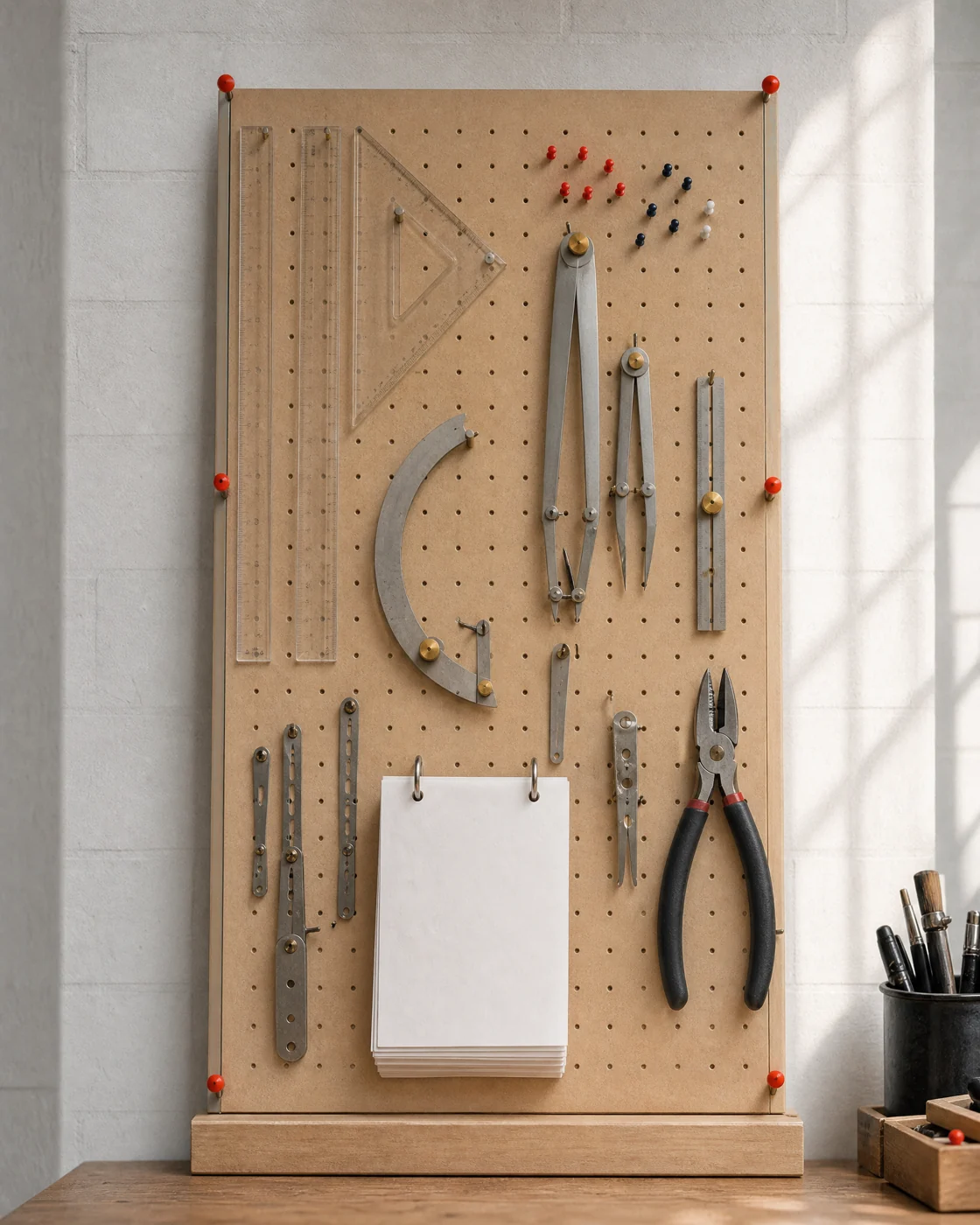
INSTRUMENT PEGBOARD
An arc gauge turns a vague curve into a repeatable direction.
KEYFRAME FLIPBOOK
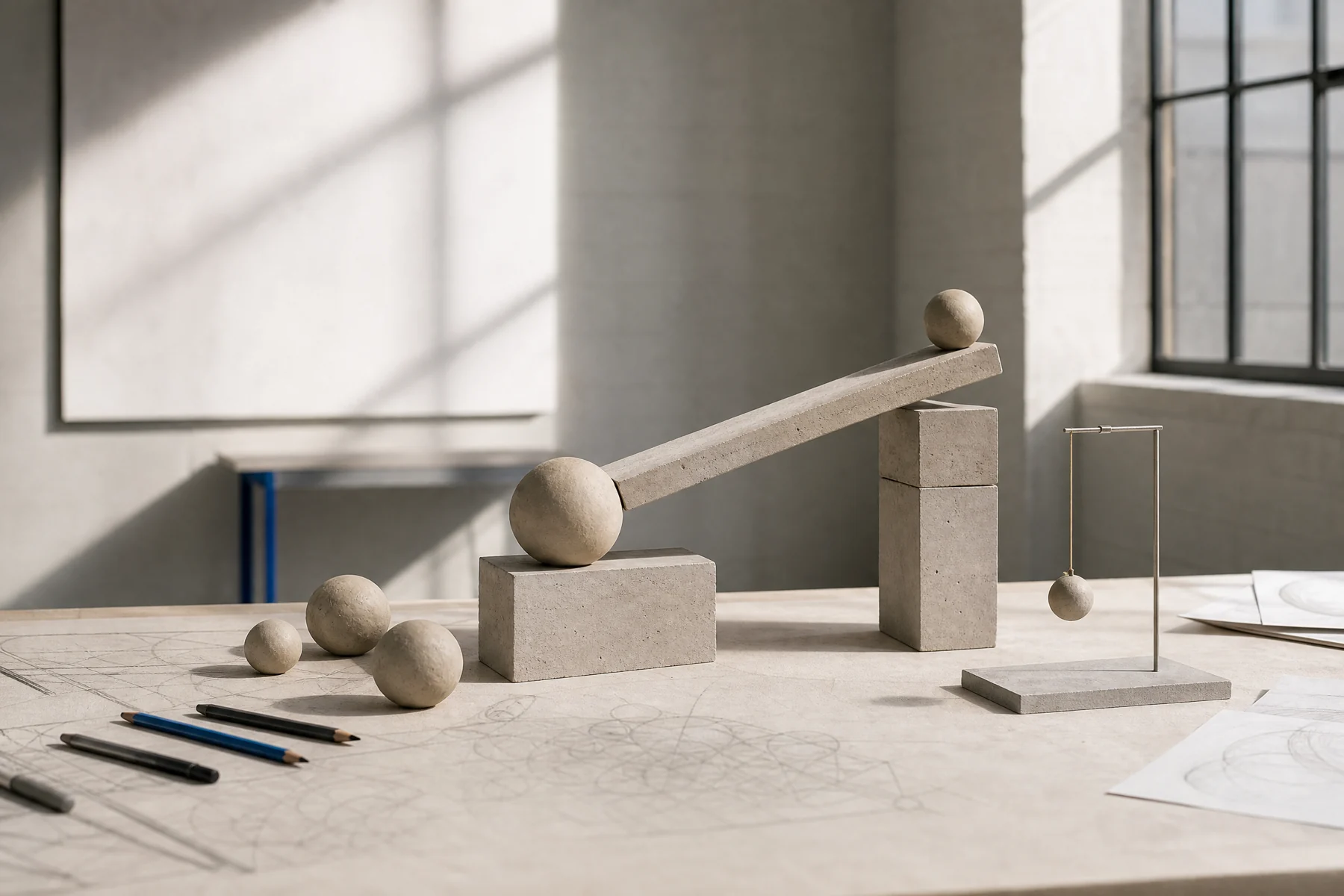
WEIGHT TABLE / A SMALL PHYSICS LAB
We use simple material studies to make cause and effect readable: what compresses, what lags, what catches up?
REVIEW LIGHTBOX
STUDIO REQUEST
Tell us what the character needs to make clear. Do not send credentials or confidential production files.